> For the complete documentation index, see [llms.txt](https://docs-fr.docbits.com/llms.txt). Markdown versions of documentation pages are available by appending `.md` to page URLs; this page is available as [Markdown](https://docs-fr.docbits.com/end-user-and-partner-section/end-user-section/dashboard.md).
# Tableau de bord
Guide du tableau de bord de DocBits
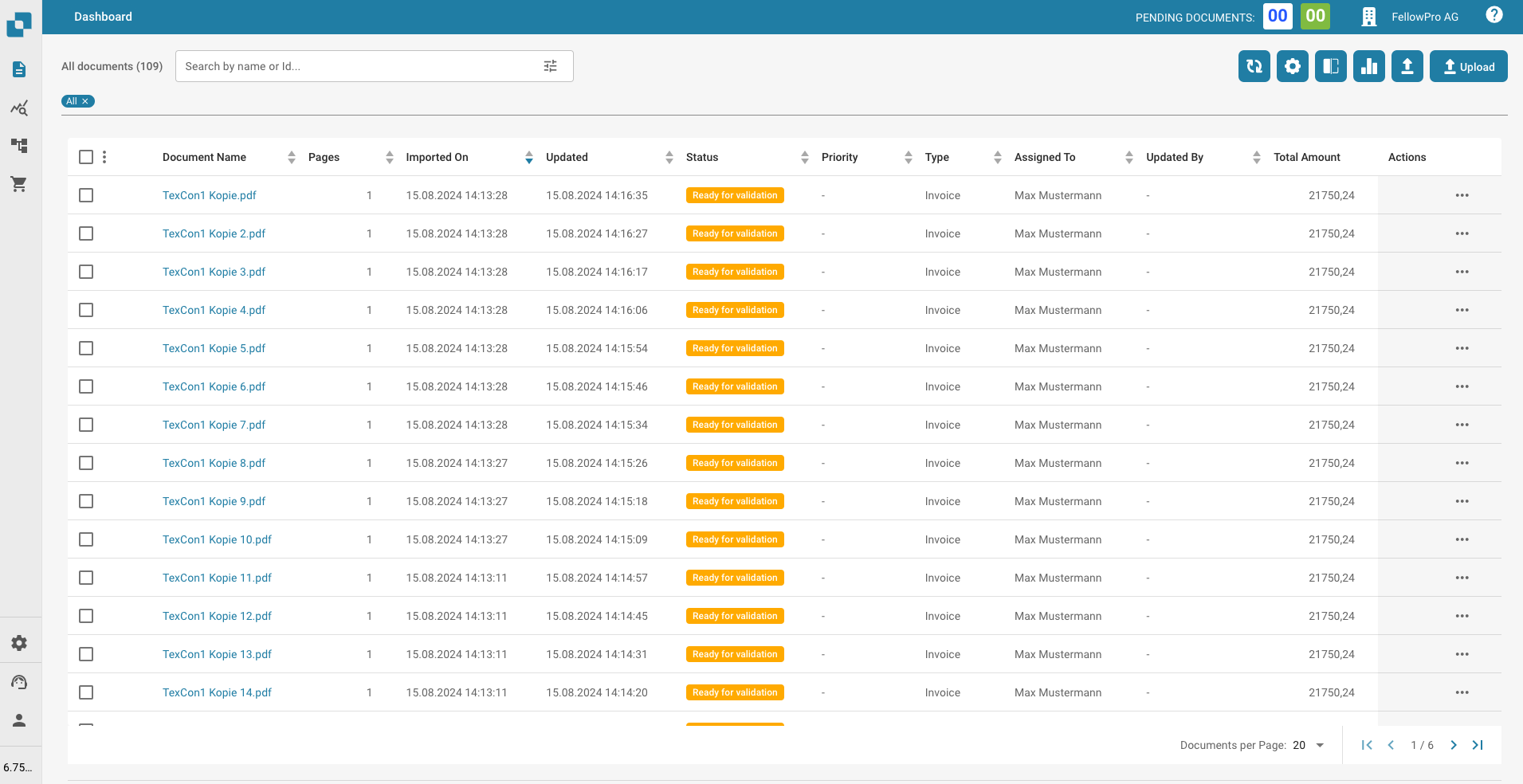
Après vous être connecté avec vos identifiants, vous serez redirigé vers la page d'accueil du tableau de bord de DocBits. C'est la page principale où vous pouvez voir et gérer tous vos documents importés.
{% embed url="" %}
{% embed url="" %}
DocBits Annotation Mode Tutorial: Add Notes in Validation & Download With/Without Annotations
{% endembed %}