> For the complete documentation index, see [llms.txt](https://docs-fr.docbits.com/llms.txt). Markdown versions of documentation pages are available by appending `.md` to page URLs; this page is available as [Markdown](https://docs-fr.docbits.com/administration-and-setup/settings/document-processing/module/idm-acl-updater.md).
# Mise à jour de l'ACL IDM
## Overview
The ACL-Updater module is responsible for updating and managing Access Control Lists (ACLs) within DocBits. This ensures that appropriate permissions and security measures are in place for document access and handling.
## Activation Instructions
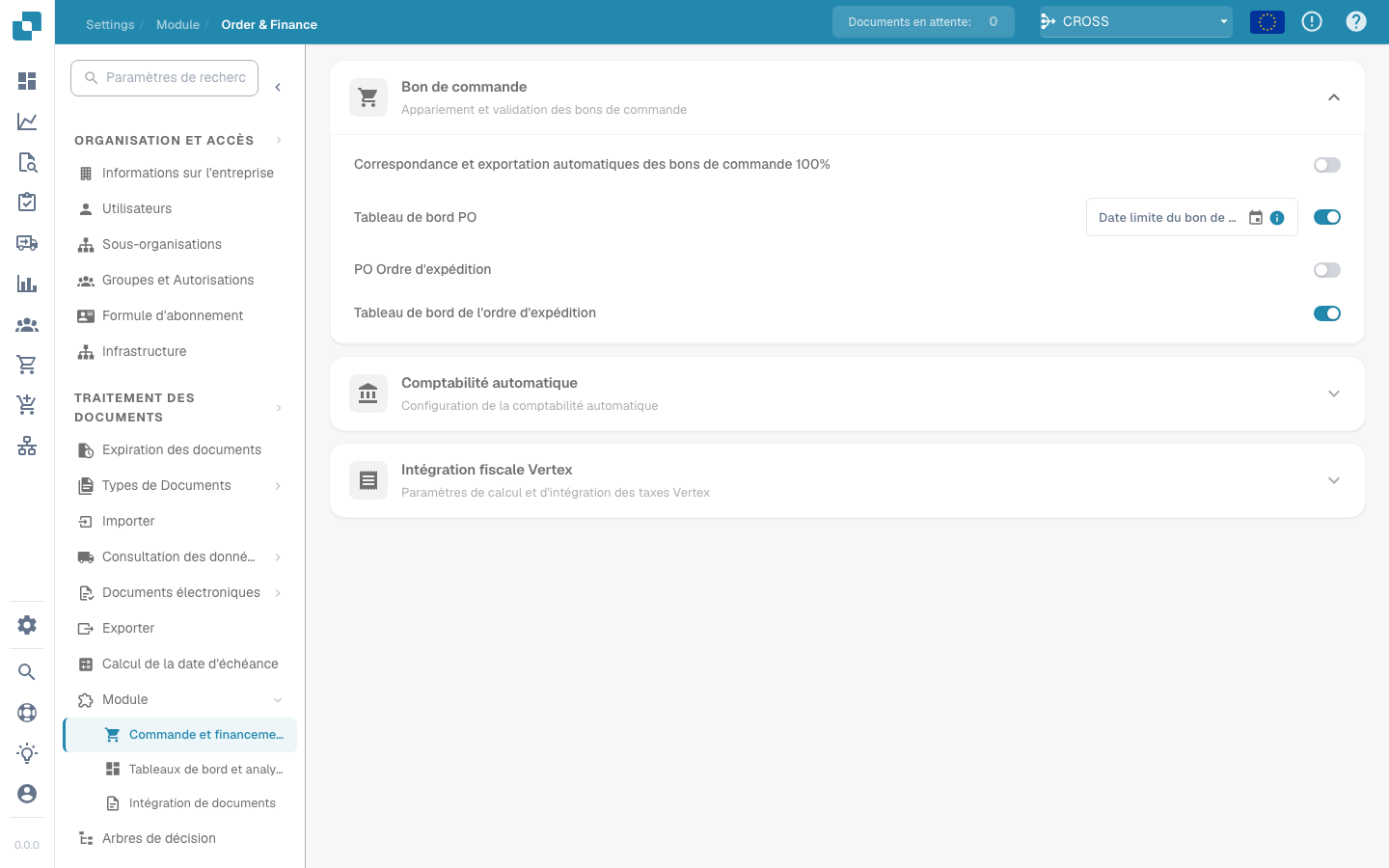
To activate the ACL-Updater module, follow these steps:
1. Navigate to **Settings**.
2. Select **Document Processing**.
3. Select **Module**.
4. Go to **Document Type**.
5. Activate the **IDM ACL-Updater** by enabling the corresponding slider.
Once the module is activated, you can select an **ION Mapping File** to use.
### Adding ACL Information
To add ACL information, click the **Add** button. You can then specify the following details:
* **IDM Document Type**
* **Current IDM ACL Status**
* **New IDM ACL Status**